
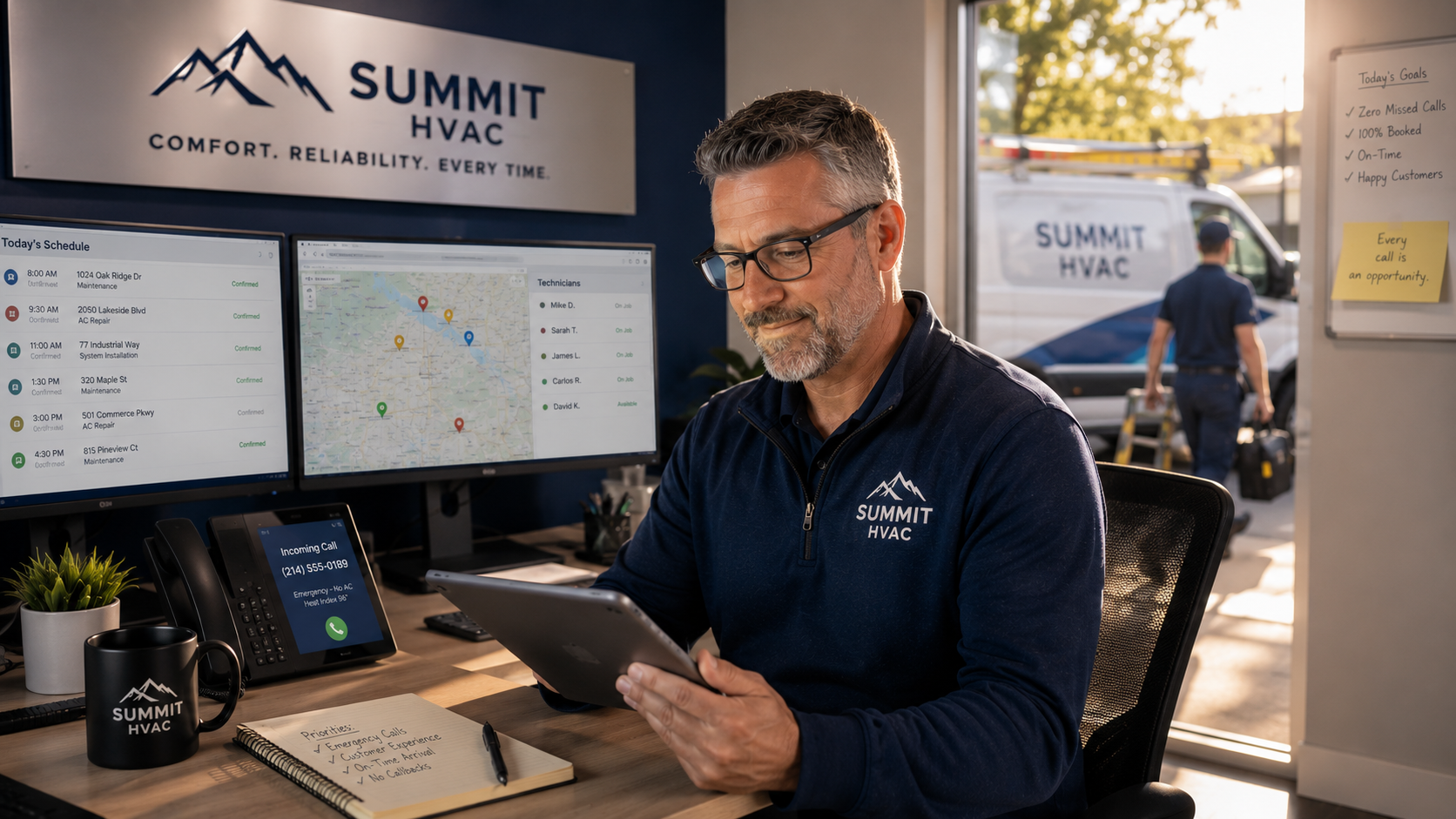
HVAC scheduling breaks down in predictable ways. A heat wave hits, call volume triples, and the office cannot keep up. Techs show up to jobs that were never confirmed. Emergency calls come in after hours and hit voicemail. The dispatcher is on the phone with one customer while three others hang up and call a competitor.
Each of those failures has a specific fix. And in 2026, scheduling appointments can be automated.
This guide covers how to set up an AI appointment setter for an HVAC business, what to configure before you go live, and what to monitor once it is running.
What an HVAC appointment setter needs to do
Before picking a tool, be clear about what the job actually requires. An AI appointment setter for HVAC is not just a booking widget. It needs to handle the full range of calls an HVAC company receives.
That means distinguishing between a total system failure on a 95-degree day and a routine tune-up request. It means knowing which technicians are certified for which equipment types. It means checking real-time availability in your dispatch board and booking into it directly, not sending a confirmation email for someone to manually enter later.
HVAC companies with 24/7 AI dispatch capture 96% of emergency calls, compared to 58% for businesses using standard answering services. That gap is about whether the system can triage urgency, find availability, and confirm the job in a single call.
Where does manual HVAC scheduling cost you money?
The numbers from AgentZap's 2026 HVAC scheduling analysis are worth sitting with before setting up any new system.
A mid-sized HVAC company running eight technicians loses an estimated $81,900 per year from missed after-hours emergency calls alone, based on 25% of calls going unanswered at an average ticket of $450. No-shows at a 15% rate across 2,400 annual jobs cost an additional $162,000 in wasted truck rolls. Poor routing wastes 90 minutes per technician per day, which works out to $265,200 in lost productivity annually across that same team.
That totals over $500,000 in addressable losses before touching marketing or pricing.
According to FIELDBOSS's 2025 HVAC customer survey, 12.6% of customers say their primary frustration is difficulty getting an appointment when they need one. That frustration goes directly to your competitor.
An AI appointment setter solves the call coverage and booking side of that equation. Smarter dispatch and routing software handles the rest. The two work best when they are connected.
Step 1: Map your call types and urgency tiers before configuring anything
The most common setup mistake is going live with a generic script. HVAC calls are not generic.
Before you touch any settings, write down every type of call your team handles and assign it an urgency tier. A useful starting structure looks like this:
Priority 1: Emergency dispatch
No heat below 40 degrees, no AC above 90 degrees, carbon monoxide alarm, system failure with a vulnerable household member present. These calls need to reach a technician the same day, often within hours. The AI should identify these immediately from the caller's language and prioritize accordingly.
Priority 2: Same-day or next-day service
System not functioning but not an immediate safety risk. Caller is uncomfortable but not in danger. Book the earliest available slot and confirm.
Priority 3: Scheduled maintenance and tune-ups
No urgency. The AI can offer the next available window in the customer's preferred timeframe and book it directly.
Priority 4: Replacement and installation inquiries
Longer sales cycle. The AI captures the details and either routes to a salesperson or books a site assessment.
The most effective AI dispatchers conduct diagnostic conversations, asking questions like "Is your system running at all?" or "What is the outdoor temperature?" to properly triage job severity and assign the right technician. That triage logic needs to be configured before the system goes live, not adjusted after customers start calling.
Step 2: Connect your scheduling software with the AI Agent before anything else
An AI phone answering system that answers calls but cannot write directly to your dispatch board has not solved the scheduling problem. It has added a step.
The AI needs to read your real-time technician availability, factor in drive time between jobs, respect the capacity limits you set, and confirm the booking in your field service platform during the call. By the time you look at your board the next morning, the job is already there with the customer's details attached.
For HVAC companies, the most commonly used platforms are ServiceTitan, Housecall Pro, Jobber, and Service Fusion. Each supports direct API integration with AI phone systems. Native integrations are more reliable than third-party connectors. Before committing to an AI provider, ask: does the integration write back to my dispatch board in real time, or does it queue bookings for manual review?
The guide on setting up an AI phone receptionist for home services walks through the full connection process step by step. The core requirement is the same regardless of which platform you use: the AI and the dispatch board need to be reading from and writing to the same data in real time.
Step 3: Configure availability rules and capacity limits
The AI can only book what you have capacity to fulfill. Configuring this correctly prevents the system from creating commitments your team cannot meet.
Set your technician availability windows, including which days each tech works and which job types they are certified for. Define your service area by zip code. Set limits on how many Priority 1 jobs can be booked in a single day before the system flags capacity and escalates to a manager. Build in realistic travel buffers between jobs.
According to ACHR News, scheduling AI integrated with ServiceTitan can automatically reshuffle appointments when delays, bad weather, or last-minute cancellations occur, keeping the dispatch board accurate without a dispatcher managing it manually.
That automatic adjustment is only possible if the capacity rules are set correctly at the start. If the system does not know that a Priority 1 job needs two hours plus travel time, it will book something immediately after that is impossible to fulfill on time.
Step 4: Write qualification questions for each call type
Every call type needs its own set of questions. These are not a checklist the AI receptionist reads out loud. They are the logic that guides a natural conversation toward the information needed to book correctly.
For a Priority 1 emergency call, the AI needs: system type, what is happening, whether the system is running at all, household size, and whether there are any vulnerable occupants such as elderly or very young. That determines urgency and which technician to dispatch.
For a scheduled maintenance call, the AI needs: system type, when it was last serviced, and preferred appointment windows. For an installation inquiry, it needs: what equipment is being replaced, approximate age of the current system, and whether the customer wants an assessment or a direct quote.
The questions should feel like a conversation, not a form. Learn how AI customer service influences booking rates to know why qualification quality directly affects the number of calls that turn into booked jobs. The short version: callers who feel understood book. Callers who feel processed hang up.
Step 5: Set up after-hours handling with AI
According to industry analysis from AgentZap, the majority of HVAC customer calls occur after 5pm, on weekends, or during holidays. If you are only answering calls during business hours, you are missing 62% of your potential leads.
After-hours calls are not all the same. A homeowner with no AC at 10pm needs a different response than a customer calling Sunday morning to schedule a tune-up.
Configure your after-hours rules to match. Priority 1 emergencies should trigger an immediate attempt to reach your on-call technician. The AI attempts the transfer, and if the tech does not pick up within a set time, it confirms the customer's details, sets an expectation for callback time, and sends an automatic text to the on-call tech with the job details.
Priority 2 and 3 calls after hours get handled differently. The AI books into the first available slot the next morning or later in the week, confirms with the customer in real time, and the job appears on the board before anyone opens the office. No voicemail. No morning callback queue.
How HVAC companies maximize capacity during summer season covers how this after-hours capture compounds during peak periods. The calls that come in Sunday evening after a heat advisory are often the most valuable of the week.
Step 6: Reduce no-shows with automated confirmation and reminders
Missed appointments cost HVAC businesses an estimated $100 to $500 per incident in lost revenue and rescheduling efforts, per ServiceTitan industry data. At a 15% no-show rate across thousands of annual jobs, that is a significant and largely preventable cost.
Automated confirmations and reminders cut that rate materially. The sequence that works for most HVAC companies is:
- Confirmation text immediately after booking, with the date, time, and technician name
- Reminder 24 hours before the appointment with a one-tap reschedule option
- Day-of reminder two hours before the technician's estimated arrival
Each message is sent automatically. No one on your team manages the list. Customers who need to reschedule do so through the reminder link, which updates the dispatch board automatically and frees the slot for another booking.
Step 7: Define your handoff rules
Not every call should be handled end to end by the AI. Define clearly which calls get transferred to a human and what happens when they do.
The clearest cases for immediate transfer in HVAC: a caller who explicitly asks for a person, a confirmed carbon monoxide or gas leak, a commercial account with a complex service agreement, or any situation the AI cannot resolve within its configured scope.
When a transfer happens, the human picking up should receive a summary: who is calling, what they said, what was already collected, and why the call was escalated. The customer should not have to start over. It is essential for automated appointment scheduling to combine AI and human strengths in HVAC. Design the handoff well so the transition is clean and the customer experience does not break at the moment it matters most.
Step 8: Test your AI Agent before going live
Run through at least five real call scenarios before forwarding your main number to the AI.
Test a Priority 1 emergency call at 11pm. Test a routine tune-up booking from a new customer. Test an existing customer trying to reschedule. Test a commercial account inquiry that needs to be routed to a salesperson. Test a caller who asks for a human halfway through the conversation.
Verify that each one ends with the right outcome: the job is on your board, the caller received a confirmation, and the routing happened correctly. Fix anything that does not work before live calls start.
What to track after launch
Once your HVAC AI appointment setter is live, these are the numbers to watch weekly.
Booking rate by call type. Overall booking rate across all inbound calls should be above 85% for a well-configured system. If Priority 1 emergency calls are booking at a lower rate than routine maintenance calls, the triage logic needs adjustment.
No-show rate. Compare your no-show rate before and after adding automated reminders. A meaningful drop confirms the reminder sequence is working.
After-hours capture rate. What percentage of after-hours calls result in a booked job? If it is below 70%, either the availability windows are too restrictive or the Priority 1 escalation is not reaching the on-call tech reliably.
Transfer rate and transfer reasons. How often is the AI escalating to a human, and why? High transfer rates on call types the AI should be handling indicate a configuration gap.
For details on the benchmarks to measure against and what the data looks like for HVAC companies specifically, read the article on how AI answering services increase booking rates for contractors.
Automate appointment setting with a virtual receptionist
An HVAC chain running three locations saw bookings climb by more than 21% in Q1 2025 after switching to automated AI scheduling, with no additional advertising spend and no new staff. The shift was straightforward: missed and after-hours calls turned into booked jobs instead of voicemails.
A virtual receptionist built for HVAC answers every call, triages urgency correctly, books into your dispatch board in real time, sends confirmation and reminders automatically, and escalates the calls that need a human without making the caller start over.
Your team keeps doing the work that requires skill and judgment. The AI makes sure every call that comes in has a chance to turn into a job.
Book a demo with Sameday to see how the HVAC specialty answering service handles your calls, connects to your dispatch board, and starts booking jobs from day one.


.svg)
.svg)